How to Use AI Tools to Write Code Faster, Safer, and Smarter
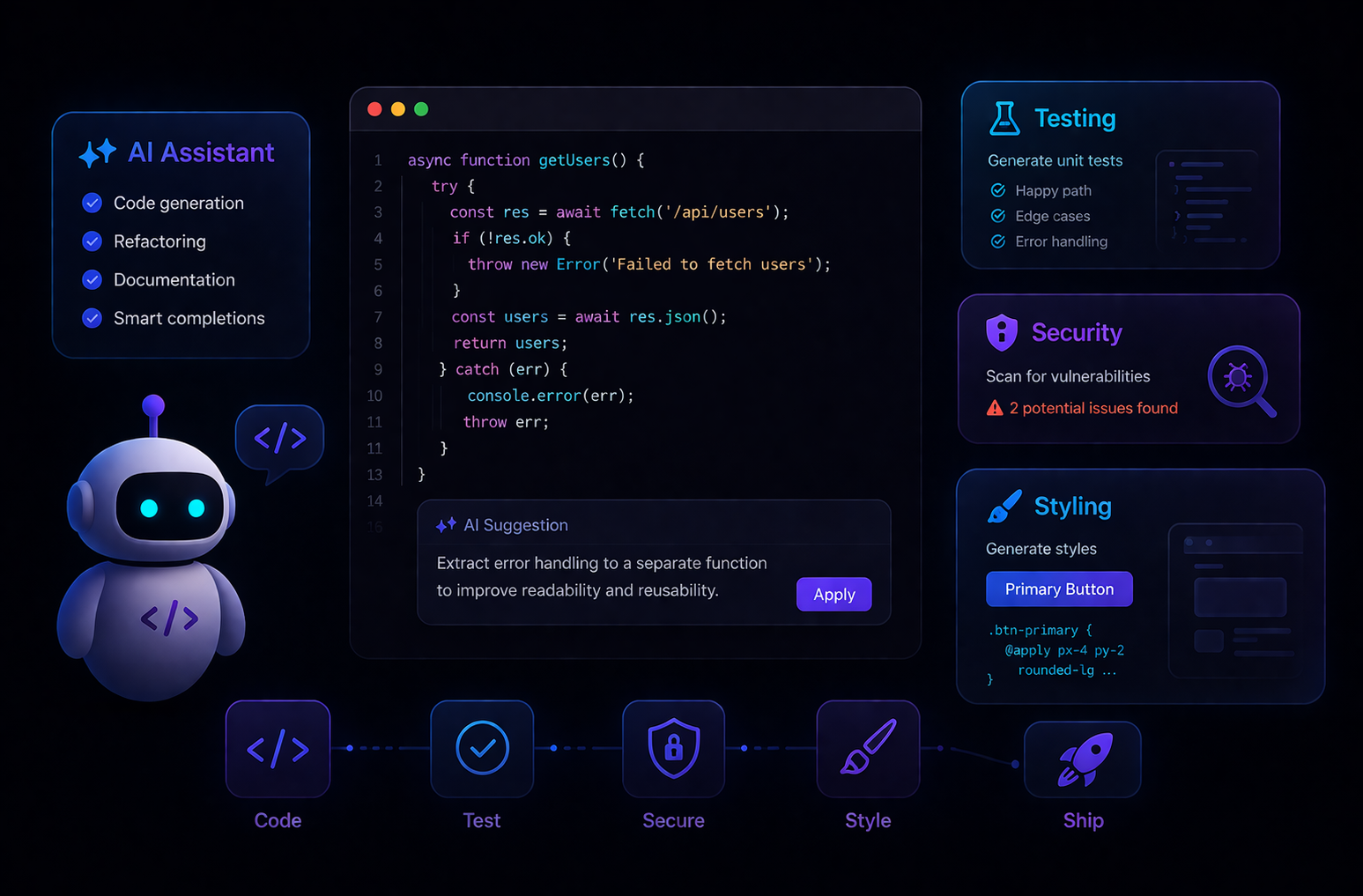
The New Developer Workflow
A couple of years ago, writing a full test suite for a feature meant blocking half a day. Reviewing a PR for security vulnerabilities was mostly done manually, with a checklist and a lot of coffee. Styling a component library meant debating pixel values across three Slack threads.
That world hasn't disappeared — but AI tools have quietly compressed it. Developers who have adopted these tools aren't doing less work. They're doing more meaningful work, faster, with fewer blind spots.
This post is a practical guide on where AI tools genuinely help in a development workflow — and how to use them well.
1. Writing Code Faster Without Losing Control
The most obvious use case is code generation, and it's worth talking about what actually works versus what gets overhyped.
What works well:
Boilerplate and scaffolding. Setting up a new API route, a database model, a React component with props and types — AI can generate these in seconds. You still review, you still own it, but the blank-page problem disappears.
Translating intent into syntax. Describing what you want in plain English and getting working code back is legitimately useful, especially when crossing into a language or framework you're less familiar with.
Refactoring. Paste a function and ask for it to be rewritten as async, or split into smaller units, or converted to use a different pattern. These are real time savings.
What you still own:
AI doesn't know your domain. It doesn't know that your user_id field is sometimes a UUID and sometimes an integer depending on which legacy system it came from. It doesn't know your team's conventions. Generated code should always be read, not just accepted.
A practical rule: use AI to generate a draft in 30 seconds, then spend 2 minutes reading it carefully. You'll catch issues, and you'll often improve on what it gave you.
2. Testing: The Biggest Time Multiplier
Testing is where AI tools have had the most transformative impact on productivity. Here's why: writing tests is often tedious, repetitive, and mentally taxing — exactly the kind of work AI handles well.
Unit Tests
Given a function, a good AI tool can generate unit tests that cover:
The happy path
Edge cases (empty input, null values, boundary values)
Error conditions
Prompt example:
Write unit tests for this function using pytest. Cover edge cases including empty input,
negative numbers, and type mismatches.

[paste your function]
You'll get a test file you can run immediately. Tweak coverage as needed, but the scaffolding is done.
Integration and End-to-End Tests
Tools like Cursor or GitHub Copilot can generate integration tests when given context about your API contracts and data models. For E2E tests using Playwright or Cypress, you can describe user flows in natural language and get working test scripts back.
Test Coverage Analysis
Some AI-powered tools can analyze your existing codebase and identify which branches, conditions, or paths have no test coverage. Instead of hunting through coverage reports manually, you get a prioritized list of what's missing.
A Real Workflow Example
Here's how this can look in practice:
Write a new feature function
Ask AI to generate unit tests
Run the tests — some pass, some fail
Fix failing tests (they often reveal real bugs)
Commit both the function and the tests together
The whole cycle takes a fraction of the time compared to writing tests from scratch, and the discipline of running them before committing improves code quality.
3. Security: A Second Set of Eyes That Never Gets Tired
Security reviews are hard to do well under pressure. When you're trying to ship, it's easy to miss a SQL injection vector or forget to sanitize an input. AI tools don't get tired, and they don't have deadlines.
Code Review for Vulnerabilities
Paste a block of code and ask specifically for security issues. Be explicit in your prompt:
Review this code for security vulnerabilities. Look for SQL injection,
XSS, unvalidated inputs, hardcoded credentials, and improper error handling.
AI won't catch everything — you still need proper security tooling and audits — but it will flag obvious issues quickly and explain why something is a vulnerability, which helps you learn.
Dependency Scanning Context
When you're evaluating whether to add a new package, AI can summarize known issues, explain the package's maintenance status based on public information, and suggest alternatives. It won't replace a dedicated tool like Snyk or Dependabot, but it's a fast way to do a first pass.
Secure Code Generation
When you're asking AI to generate code that touches authentication, file systems, or external APIs, include security requirements in your prompt:
Write a file upload handler in Node.js. It should:

- Validate file type by MIME type, not just extension

- Limit file size to 5MB

- Store files outside the webroot

- Return generic error messages (don't expose internal paths)
The more specific you are about security requirements, the better the output.
4. Styling and Design Systems
AI tools have become genuinely useful for CSS and UI work, especially in larger codebases with design systems.
Generating Component Styles
Describe what you want visually, and AI can produce Tailwind classes, CSS-in-JS, or raw CSS that gets you close. You'll still need to adjust, but you skip the lookups and syntax tedium.
Consistency Checking
Paste a component and ask: "Does this follow a consistent spacing scale? Are these color values consistent with a typical design system?" It's a rough check, but useful when you're working quickly.
Dark Mode and Theming
Ask AI to convert a component's styles to support CSS custom properties for theming. Given a light-mode component, it can produce the variable structure for dark mode support.
Accessibility
This is where AI tools add real value: ask it to review a component for accessibility issues — missing ARIA labels, poor color contrast warnings, keyboard navigation gaps. It won't replace a proper accessibility audit, but it catches low-hanging fruit fast.
Review this React component for accessibility issues.
Focus on ARIA labels, keyboard navigation, and color contrast.
5. Documentation: The Work Nobody Wants to Do
Documentation is chronically underprioritized because it's tedious. AI makes it significantly less painful.
Inline Code Documentation
Paste a function and ask for JSDoc, docstring, or inline comments. The output is usually accurate and saves time, especially for complex logic.
README Generation
Give AI your project's structure, main files, and a description of what it does. It will produce a README draft with installation instructions, usage examples, and a project overview. You edit it — but you start from something real, not a blank page.
Changelog and PR Descriptions
Paste a diff and ask for a clear PR description or changelog entry. This small habit improves code review quality and makes your history more useful.
6. Debugging and Root Cause Analysis
When you're stuck on a bug, AI tools work well as a rubber duck that can actually talk back.
Effective prompts:
Here's an error I'm seeing: [paste error]
Here's the relevant code: [paste code]
What are the most likely causes and how would I debug each one?
This function produces the wrong output for this input.
Walk me through what the code is doing step by step.
The second prompt is particularly useful — asking AI to trace through code line by line often reveals the bug even if you could have done it yourself, just faster.
7. What AI Tools Work Best For (And Where They Fall Short)
High value:
Repetitive code patterns and boilerplate
Test generation
Documentation drafts
Security checklists and code review
Explaining unfamiliar code or APIs
Converting code between languages or frameworks
Lower value / use with care:
Architecture decisions (AI doesn't know your constraints)
Performance optimization without profiling data
Code that touches your specific domain logic
Anything where the stakes of a subtle bug are very high
The most effective developers using AI tools treat them as fast, knowledgeable collaborators — not as authorities. You review everything. You understand what it produced. You own the result.
Building the Habit
The shift isn't about any single tool. It's about changing how you approach the routine parts of development:
Before writing a test file from scratch, try generating it.
Before spending 20 minutes on a security review, run a quick AI pass first.
Before documenting a complex function, ask for a draft.
Each of these individually saves minutes. Together, across a week of development, they save hours — and they redirect your attention toward the decisions that actually require human judgment.
That's the real value: not that AI writes code for you, but that it handles the parts that don't need you, so you can focus on the parts that do.
Found this useful? The next posts in this series cover prompt engineering for developers and integrating AI tools into CI/CD pipelines.